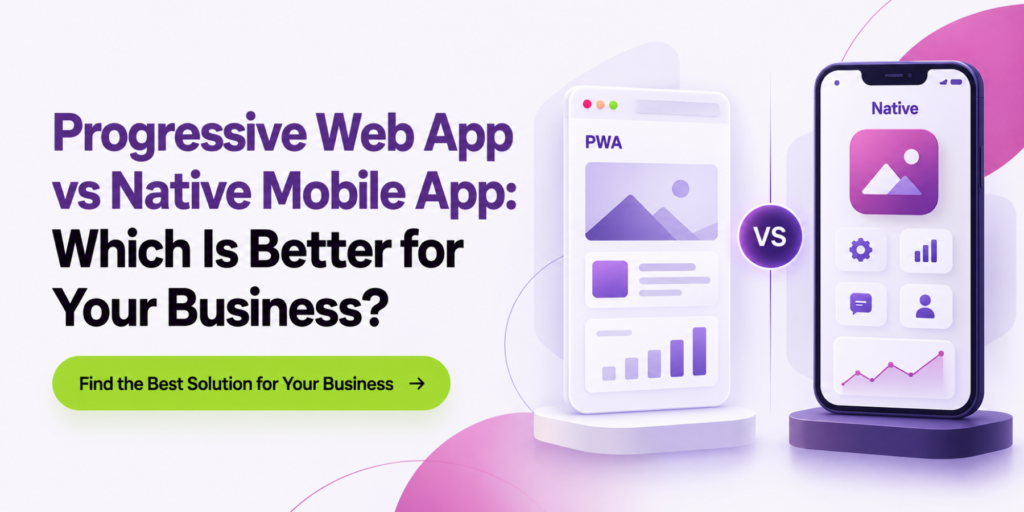

An icon with a brand name can open a website or a separately installed program. That is easy to miss when a phone places every icon in the same grid. The distinction matters when something asks for an update, a file download or permission to read information from the device.
A home-screen shortcut is normally added by a browser. It opens a web page and may hide some of the browser interface. An app shows up as an installed item in the phone’s settings. If you are unsure what you used before, open the settings list and check whether that item has a storage entry and permissions of its own.
The 1xSlots mobile access guide outlines browser access, an iPhone home-screen shortcut and an Android app as separate routes. Read the part for your device before acting on any prompts. Start from a verified source if a download is involved, and decline a file offered through an unexpected message. Keeping the browser version is a reasonable option when you do not need a separate program.
Once you know which version you are using, save a label that records it. Naming an icon ‘browser shortcut’ or ‘installed app’ is enough. If the launch screen changes later, you can compare the route with your note instead of following a new download prompt out of habit.